Quick Start in 60 Seconds
This page is the shortest path from installing ForcePAD to seeing a finite element result.
1. Download ForcePAD
Download the latest release from GitHub:
On Windows, run the installer and start ForcePAD from the Start menu.
2. Create or Open a Model
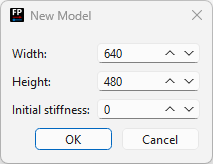
Choose File -> New to create a blank model, or open one of the bundled .fp2 examples from the installation directory.
3. Sketch the Structure
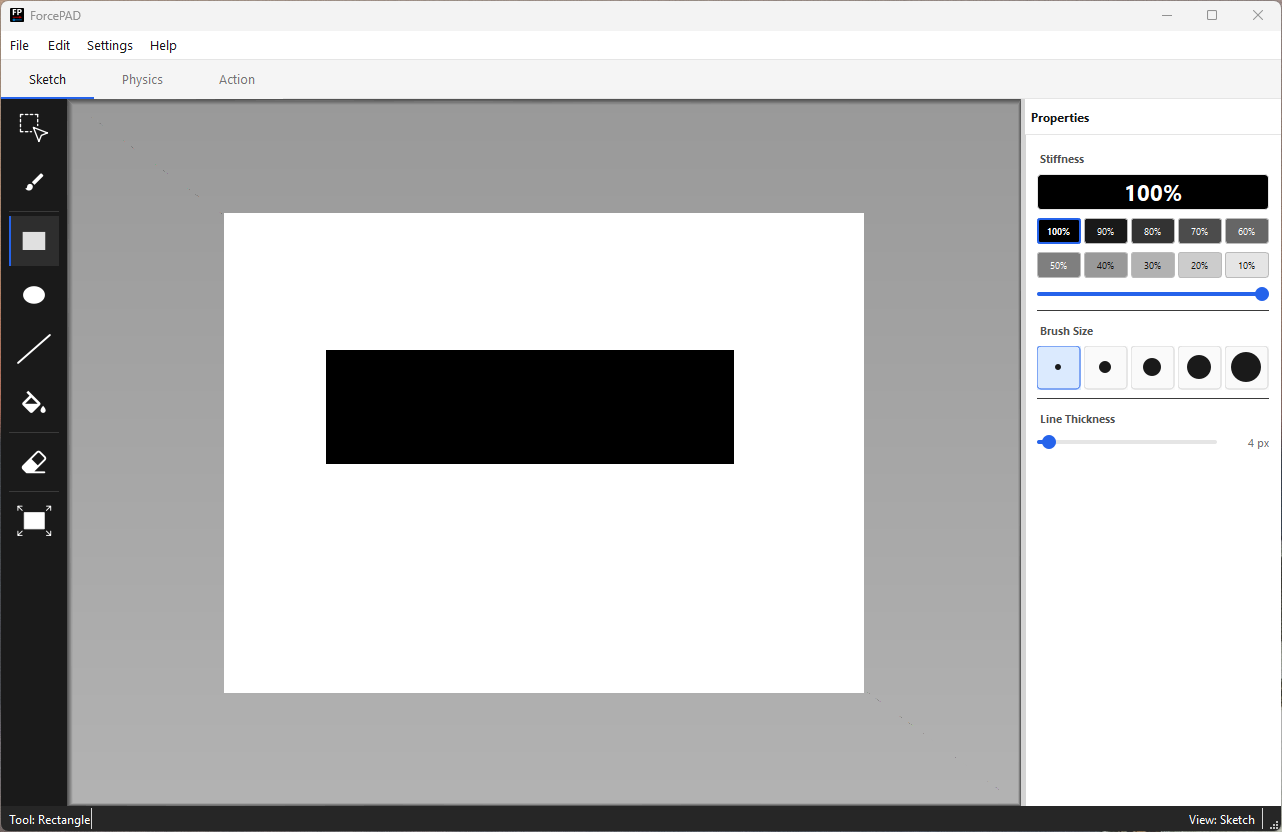
Use Sketch mode to paint the structural domain. Black pixels represent full stiffness, white pixels represent empty space, and grey values represent intermediate stiffness.
4. Add Supports and Forces
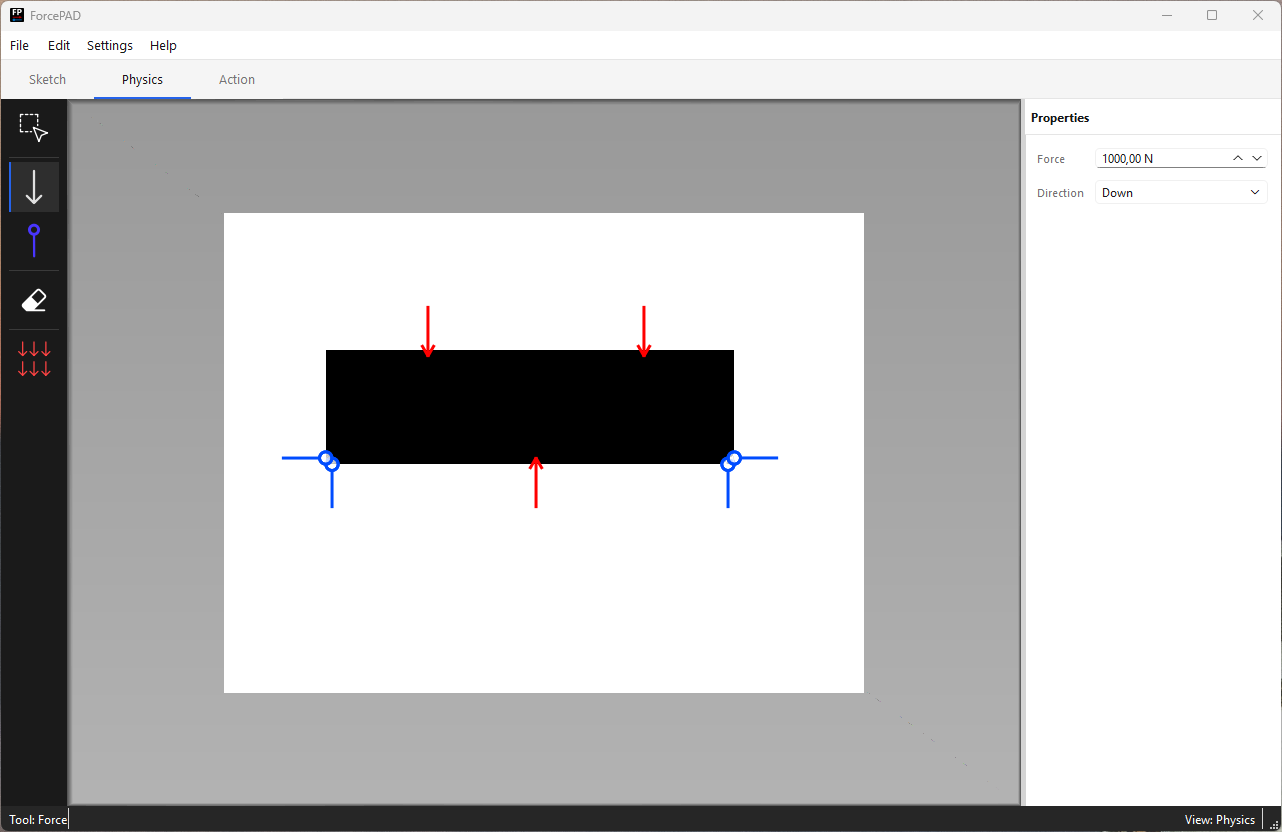
Switch to Physics mode. Place constraints where the structure is supported, then place forces where loads should act.
5. Inspect Results
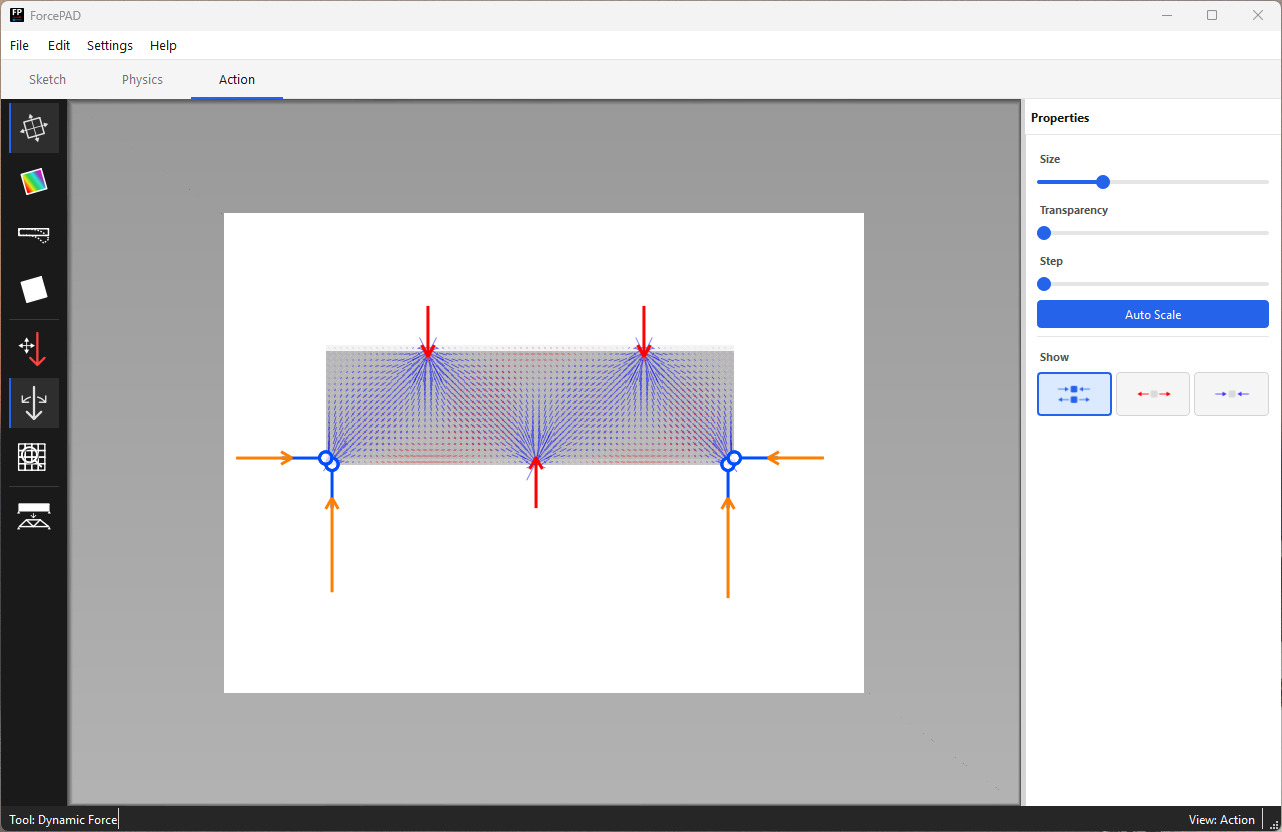
Switch to Action mode. ForcePAD calculates the response and visualizes principal stresses, von Mises stress, or displacement.
6. Try Real-Time Interaction
In Action mode, drag a force tip to rotate or move the force. The structural response updates interactively.

Animation placeholder
Add a 5-10 second GIF showing a force being moved or rotated while the stress visualization updates.
Next Steps
- Open a sample model from the Examples page.
- Learn the three main modes in the User guide.
- Try a teaching experiment from For Students.
- Watch a short demo on the Videos page once the videos are published.